
Your day, clearly organized.
Daylium brings your calendar, tasks, planning, focus, habits, notes and work time into one calm app — private and fully on your device.
One connected system
Everything for your day — in one place
Daylium isn't a pile of separate apps. Calendar, tasks, planning and focus work together, so nothing falls through the cracks.
Everything, connected
Move between every area in a single tap — no juggling separate apps.
- CalendarDay, week, month, year and agenda
- FocusTimer and Pomodoro sessions
- HabitsStreaks and daily consistency
- TasksDue dates, priorities and projects
This week
Insights
Top areas
- Focus
- Tasks
- Calendar
Today's plan
- 08:30Routines
- 10:00Focus
- 13:00Tasks
- 16:00Calendar
Automation
Set a rule once — Daylium runs it in the background.
- RoutinesFocus
- TasksToday
Inbox
Drop a thought in the Inbox now, organize it later.
Privacy & security
Your data belongs to you
Your device
Privacy
Your data stays with you.
Daylium is local-first: your planning lives on your device. No account is required for normal use.
- No account required to use the app
- Your data is stored locally on your device
- Reminders and search run locally
- Local backups you fully control
Daylium does not require cloud sync or an online account for everyday use.
Backup
Your data, safely in your hands
Create local backups you control, plus automatic local recovery points as you work.
- Create a local backup file anytime
- Automatic local recovery points
- Restore from a backup you own
- Optional password protection for backups
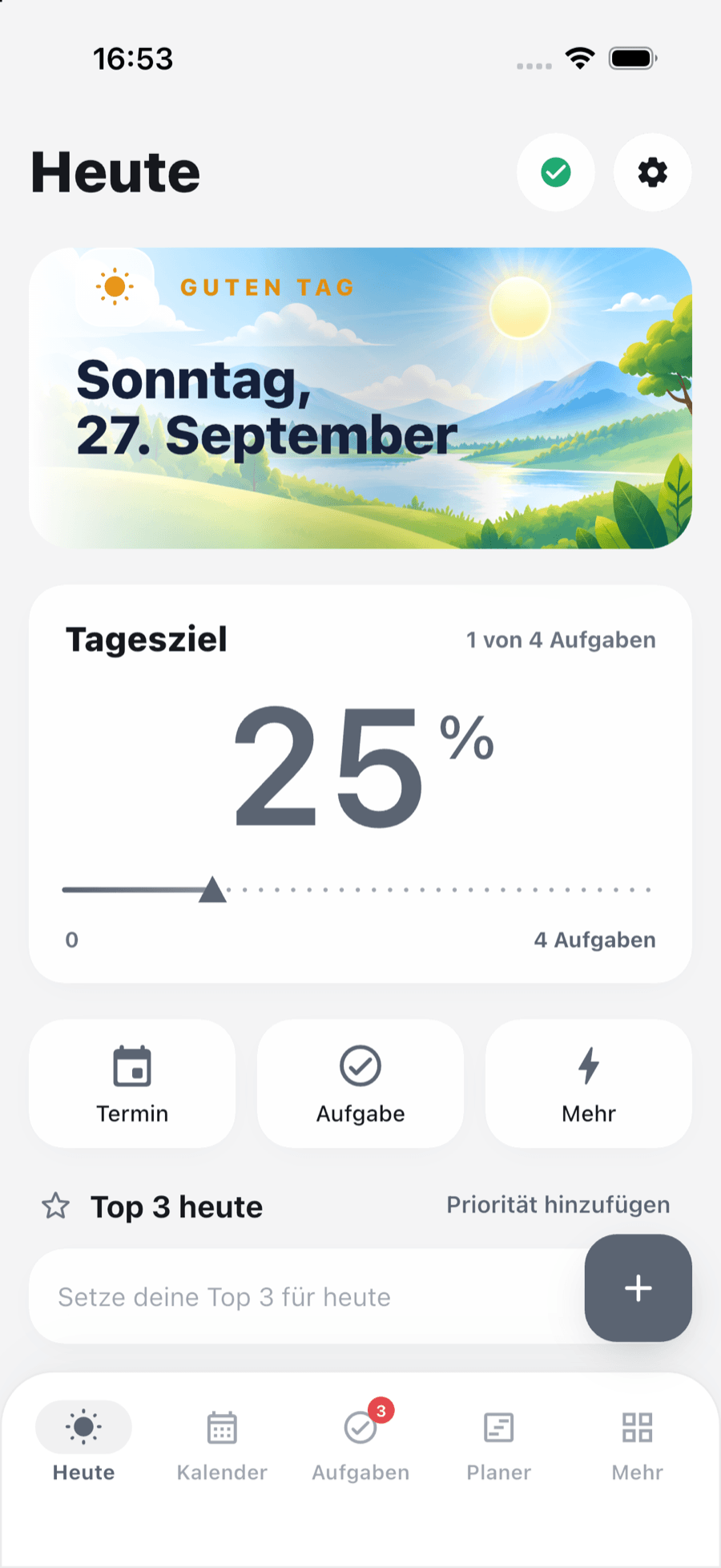
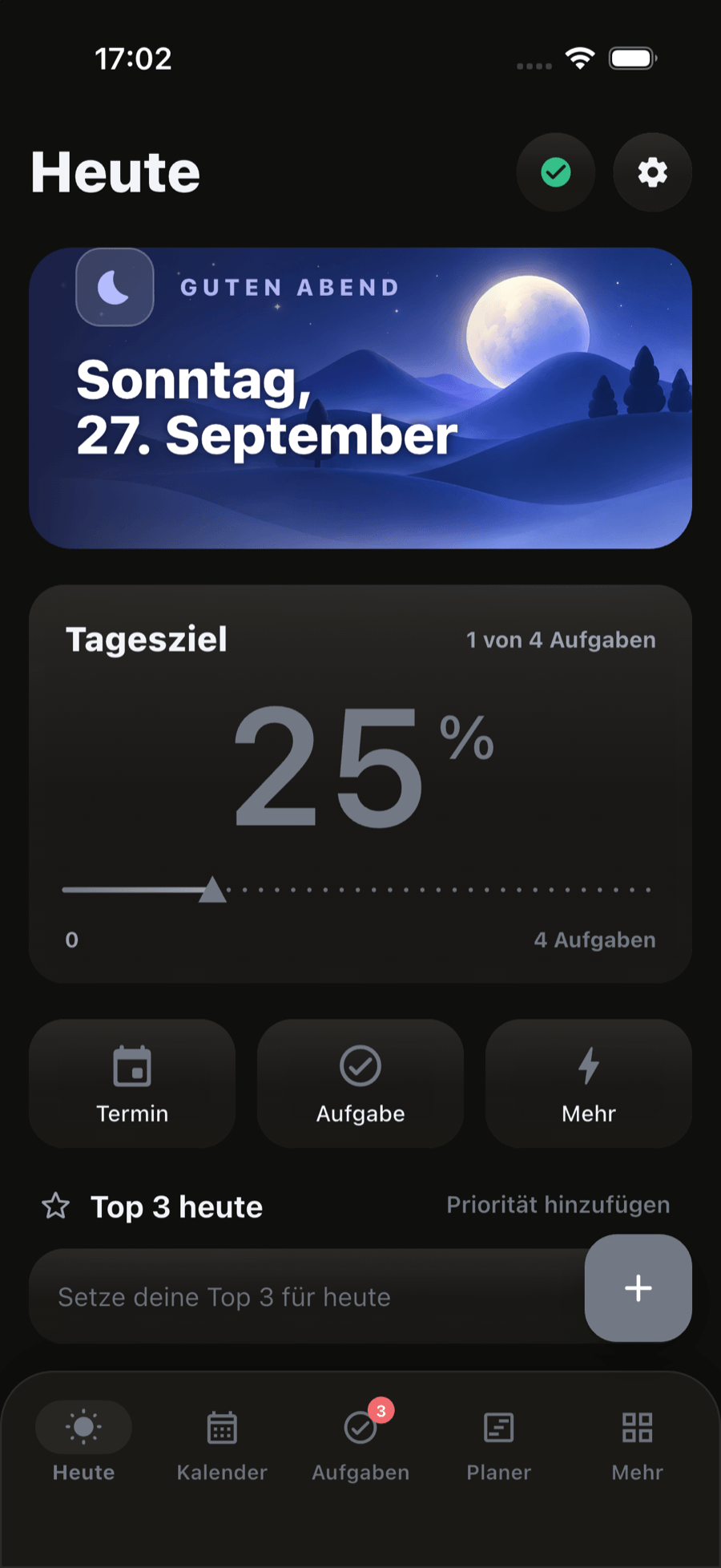
Today 2.0
Start every day with clarity
A configurable Today screen that shows exactly what matters — and nothing you don't need.
Reorder and toggle sections to fit your day
Set your Top 3 priorities to focus your attention
Jump straight into your inbox and goals
Calendar
Six ways to see your time
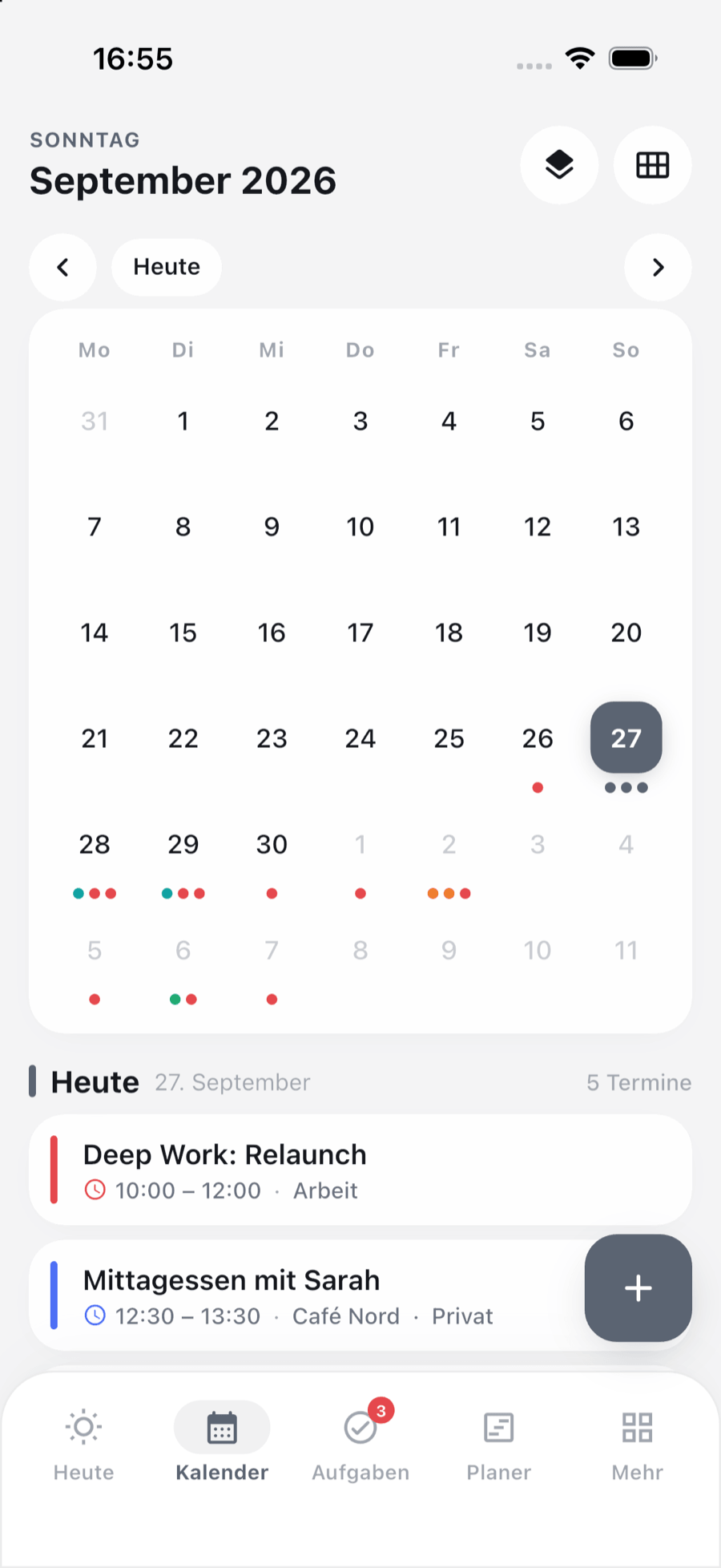
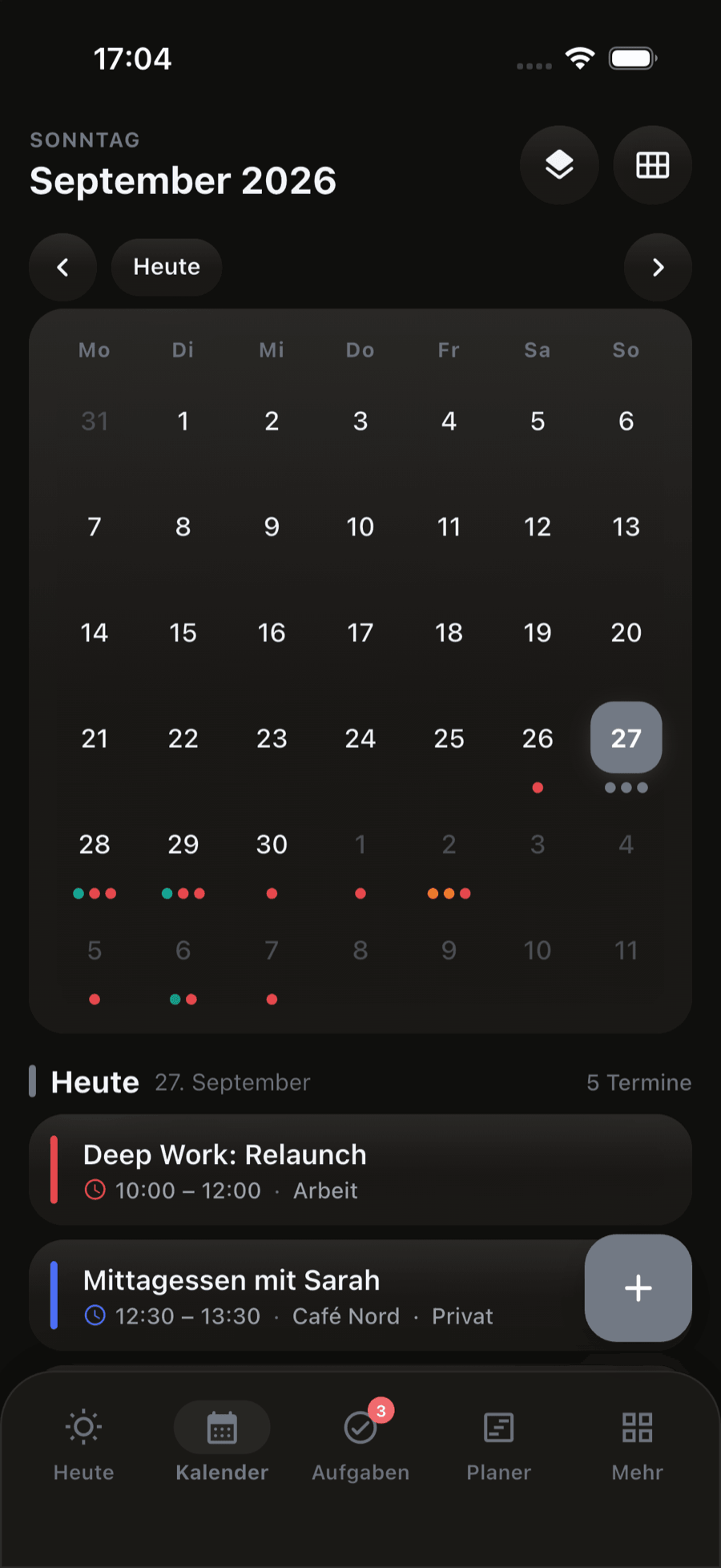
Switch between day, 3-day, week, month, year and agenda — with recurring events and local reminders.
- Day, 3-day, week, month, year and agenda views
- Repeating events with flexible rules
- Local reminders that respect your time zone
- Color-coded calendars and categories
Day
Your day in detail. All events and tasks at a glance.
3 Days
The next three days, compact and clearly planned.
Week
Your week, structured. Make the most of events, tasks and time.
Month
The whole month at a glance. Spot patterns and plan ahead.
Year
Your year on one page. Set goals and plan long-term.
Agenda
All upcoming events in one clear, chronological list.
Local reminders
Reminders that respect your time zone and stay reliably by your side.
Tasks
Get things done, calmly
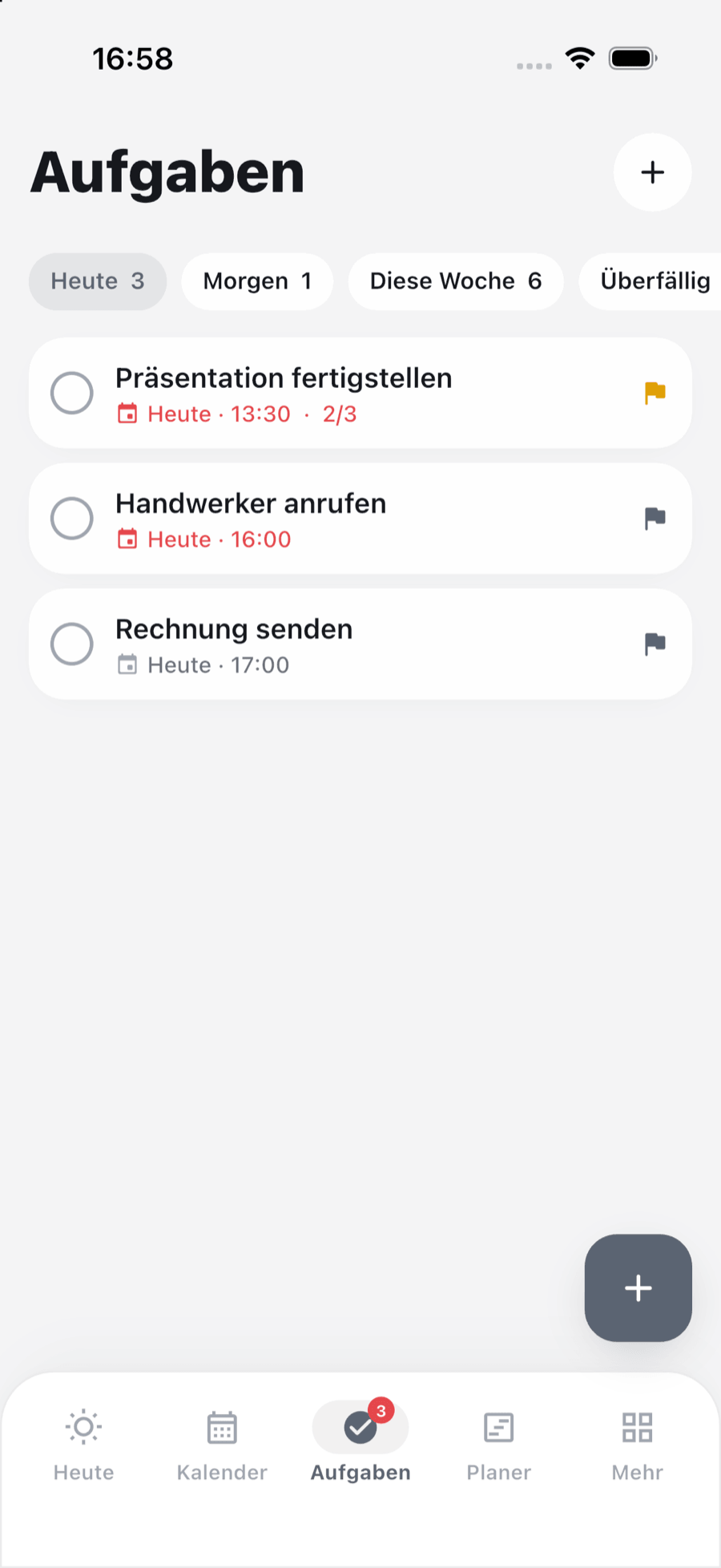
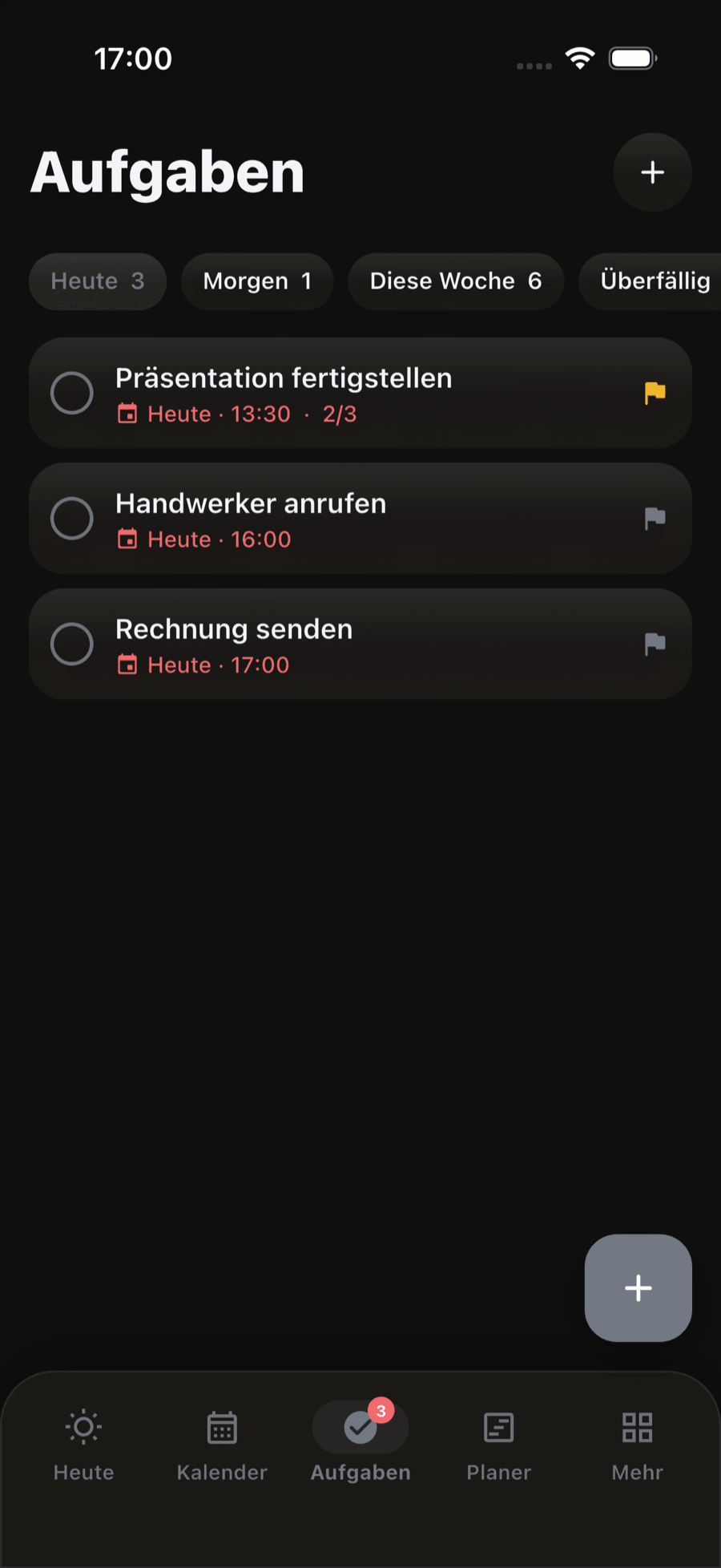
Capture tasks with due dates and priorities, and group them into projects.
- Due dates and clear priorities
- Filter by today, tomorrow, this week or overdue
Done this week
Projects
3 active projects
Subtasks
Due & priorities
Projects & Goals
From life areas to daily focus
Daylium connects the big picture to today — so your daily work ladders up to what matters most.
Life Area
01The parts of life you care about
Goal
02What you want to achieve
Project
03The work that gets you there
Task
04The next concrete step
Focus
05Time spent making progress
More
Small tools, big difference
Capture, find and glance — the little things that keep your day flowing.
Inbox
Get things out of your head in a second, then turn them into a task, event or note.
- One-tap quick capture
- Turn an entry into a task, event or note
- Nothing gets lost
- Works entirely offline
Search
One fast search across events, tasks, notes, projects and more — all on your device.
- Unified search across your data
- Fast, even with lots of content
- Ignores accents and letter case
- Runs locally — nothing leaves your phone
Widgets
Home-screen widgets show today's plan at a glance — and respect your privacy settings.
- Today, next event and tasks widgets
- Light and dark, tuned to your system
- Private content can stay hidden
- Available on iOS and Android
FAQ
Frequently asked questions
Does Daylium require an account?
No. You can use Daylium fully without creating an account or signing in.
Does it work offline?
Yes. Daylium is designed to work entirely on your device, with no internet connection required.
Where is my data stored?
Your data is stored locally on your device.
Does Daylium use cloud sync?
No. Daylium does not require cloud sync or an online account for everyday use.
Can I back up my data?
Yes. You can create local backup files you control, and Daylium also keeps automatic local recovery points.
Does it support Dark Mode?
Yes. Daylium follows your system appearance, or you can choose light or dark yourself.
Which languages are available?
English, German, Spanish, French, Portuguese, Arabic, Chinese and Hindi — including right-to-left layout for Arabic.
Which platforms are supported?
Daylium is built for iOS and Android and is coming soon.
Ready for a calmer day?
Daylium is coming to iOS and Android. Be among the first to try it.
Coming soon to iOS & Android